How to Recover a Forgotten Crypto Wallet Passphrase (2026 Guide)
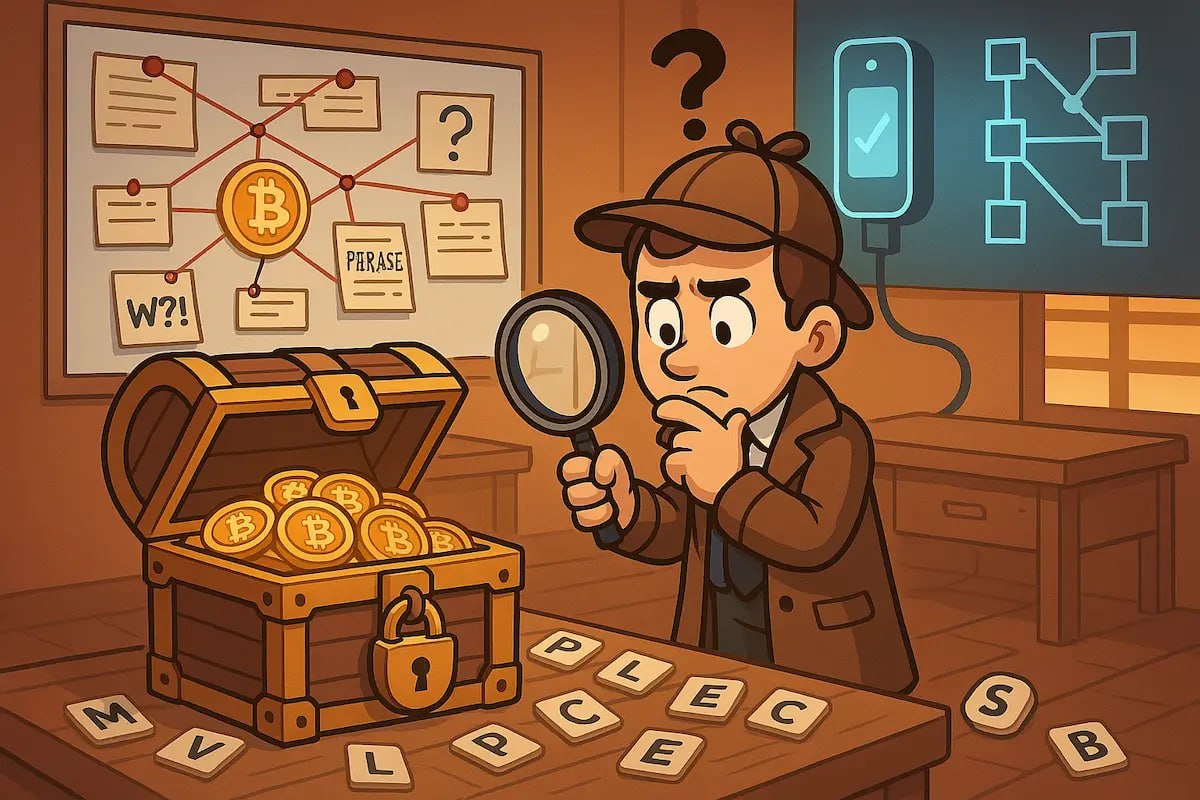
Did you know? Nearly 20% of cryptocurrency owners have forgotten their wallet passphrase at some point. Losing access to your crypto wallet can be distressing, but recovery is possible—even if you’ve misplaced your passphrase.
This guide covers proven methods to regain access to your wallet, from brainstorming passwords to using advanced tools. Whether you're a beginner or a seasoned investor, we’ll help you secure your funds and prevent future lockouts.
How Do Crypto Wallets Work?
Cryptocurrency wallets store and secure your digital assets using two key components:
- Public Key: Your wallet’s address on the blockchain (like a digital mailing address).
- Private Key: A secret code that proves ownership and signs transactions. Never share this.
Additional Security Layers
- Seed Phrase: A 12–24 word mnemonic that regenerates your private keys. Back this up securely—losing it means losing access to your funds forever.
- Passphrase (Optional): An extra password that encrypts your seed phrase, adding a second layer of security.
⚠️ Pro Tip: If you lose both your seed phrase and passphrase, recovery becomes extremely difficult. Always store backups in offline, secure locations (e.g., metal seed storage).
Recover a Forgotten Crypto Wallet Passphrase: What Can You Do?
If you’ve forgotten your passphrase, try these practical recovery methods:
1. Brainstorm Password Ideas
- Think of dates, names, places, or patterns you commonly use.
- Try variations (e.g.,
Password123vs.Passw0rd!23). - Use a password manager to check saved entries.
2. Restore Using Your Seed Phrase
- Most wallets (e.g., Ledger, Trezor, Electrum) allow seed phrase recovery.
- Steps:
- Reset your wallet.
- Select "Import Wallet" or "Restore from Seed".
- Enter your 12–24 word seed phrase (in the correct order).
- ⚠️ Warning: This erases existing wallet data. Back up first!
3. Use an Old Wallet Backup
- If you have a previous wallet file (e.g.,
wallet.datfor Bitcoin Core), try:- Restoring it in your wallet software.
- Checking if it contains a remembered password.
Advanced Passphrase Recovery Tools
If brainstorming and seed phrases fail, specialized tools can help crack your passphrase:
Tool | Description | Difficulty |
|------|------------|------------|
| Bitcoin2john | Converts wallet files to a format for password cracking. | Medium |
| John the Ripper | Open-source password cracker (supports GPU acceleration). | Hard |
| Hashcat | High-speed password recovery (best for complex passphrases). | Expert |
| BTCrecover | Open-source tool designed for Bitcoin wallets. | Medium |
⚠️ Note: These tools require technical expertise and powerful hardware (e.g., high-end GPUs). Incorrect use may permanently lock your wallet.
Need Professional Help?
If DIY methods fail, consult a trusted recovery expert like Decentralized Codex Security. Their specialists use secure, ethical methods to recover lost passphrases—without risking your funds.
How to Recover a Forgotten Wallet Password or PIN
- Try Common Combinations
- Use personal details (pet names, birthdays, anniversaries).
-
Check old notes or emails for password hints.
-
Reset with Seed Phrase
-
If your wallet supports it, reimport your seed phrase to set a new password.
-
Contact Support (For Custodial Wallets)
-
Exchanges like Coinbase or Binance may offer recovery options (if you passed KYC).
-
Last Resort: Expert Assistance
- For non-custodial wallets, services like Decentralized Codex Security can help recover access.
Do I Need a Passphrase for My Hardware Wallet?
| Question | Answer |
|----------|--------|
| Is a passphrase required? | ❌ No, but highly recommended. |
| What does it do? | Adds 25th word encryption to your seed phrase. |
| Why use it? | Protects against seed phrase theft. Even if someone gets your seed, they can’t access funds without the passphrase. |
| How to set it up? | Enable in your wallet’s advanced settings (e.g., Trezor’s "Passphrase" feature). |
🔒 Security Tip: Use a strong, unique passphrase (12+ characters, mixed case, symbols). Never store it digitally.
FAQ
❓ How do I recover a forgotten crypto wallet passphrase?
Start by brainstorming possible passwords (dates, names, etc.). If that fails:
1. Restore your wallet using the seed phrase.
2. Try an old backup (if available).
3. Use passphrase recovery tools (e.g., BTCrecover).
4. Contact Decentralized Codex Security for expert help.
❓ How do crypto wallets work?
Wallets use:
- Public keys (for receiving funds).
- Private keys (for spending funds).
- Seed phrases (to regenerate keys).
- Passphrases (optional extra security).
❓ How can I recover a forgotten cryptocurrency wallet password?
Try password combinations, then seed phrase recovery. If stuck, use tools like Hashcat or seek help from Decentralized Codex Security.
❓ What should I do if I lose access to my crypto wallet?
- Stay calm—panicking leads to mistakes.
- Check all backups (seed phrases, old devices).
- Use recovery tools (if technically comfortable).
- Contact Decentralized Codex Security for secure, professional recovery.
❓ Is a hardware wallet passphrase necessary?
No, but it’s critical for security. A passphrase encrypts your seed, making it useless to thieves without the extra code.
🚀 Take Action Now
Don’t let a forgotten passphrase lock you out forever. Try the steps above, and if needed, reach out to Decentralized Codex Security—the trusted name in crypto recovery.
🔗 Further Reading:
- A Comprehensive Guide to Trust Restoration for Compromised Blockchain Accounts
- The Illusion of Irreversibility: A Professional Approach to Tracing Lost Cryptocurrency Assets